 Eclat
Eclat Camera
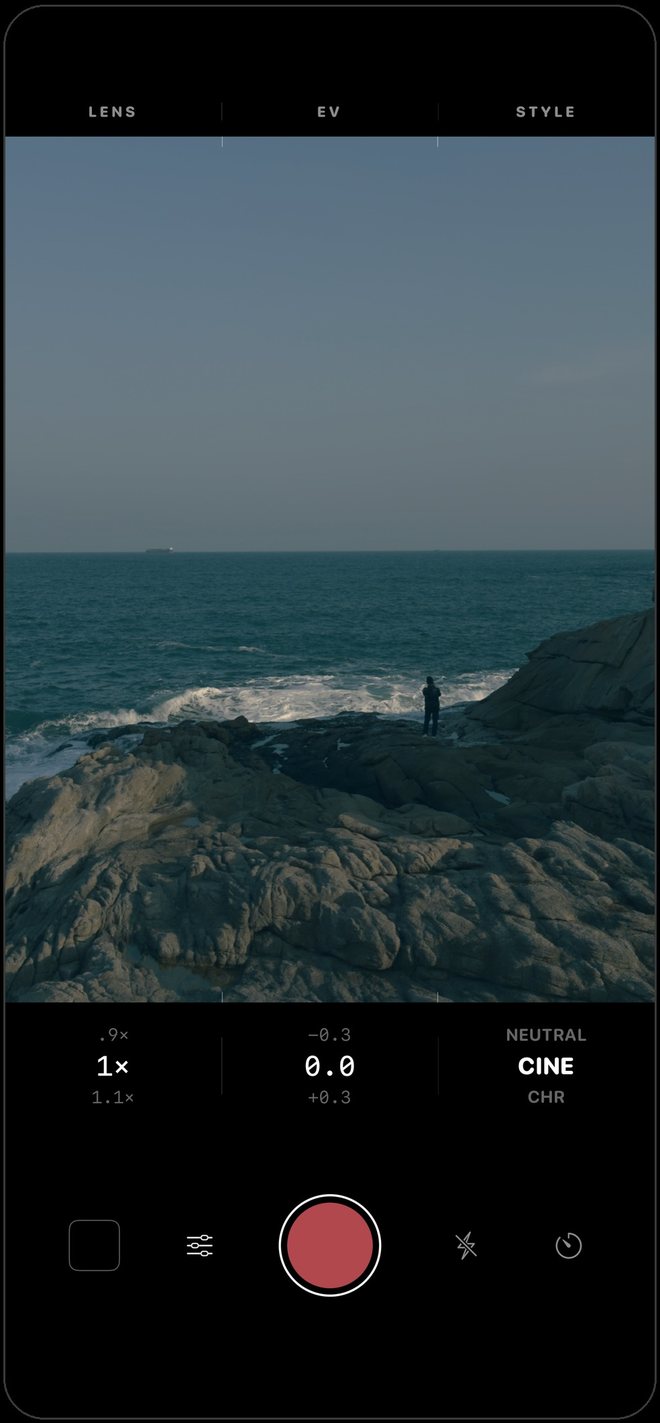
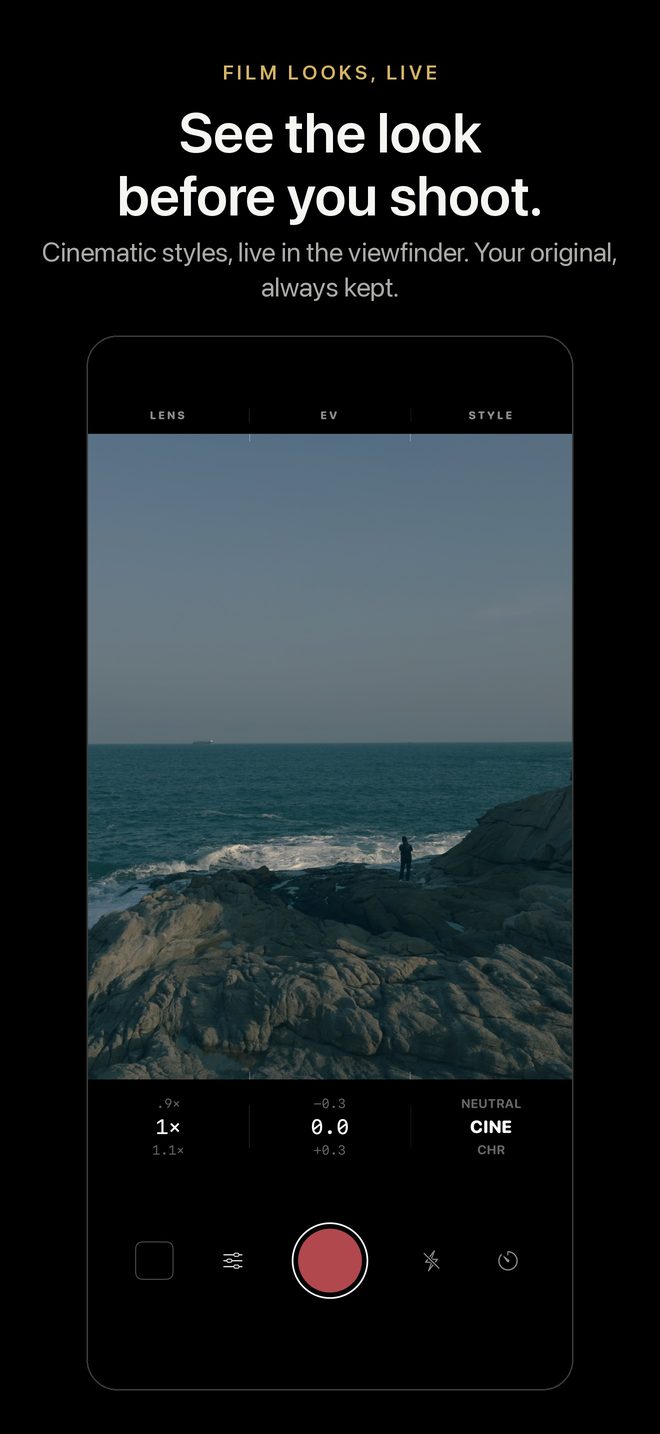
See the look before you shoot.
A camera for iPhone and iPad with its own developing engine. Your style is live in the viewfinder while you frame, and every photo is saved with its untouched original inside.
Free to download, with every built-in style.
Built-in styles
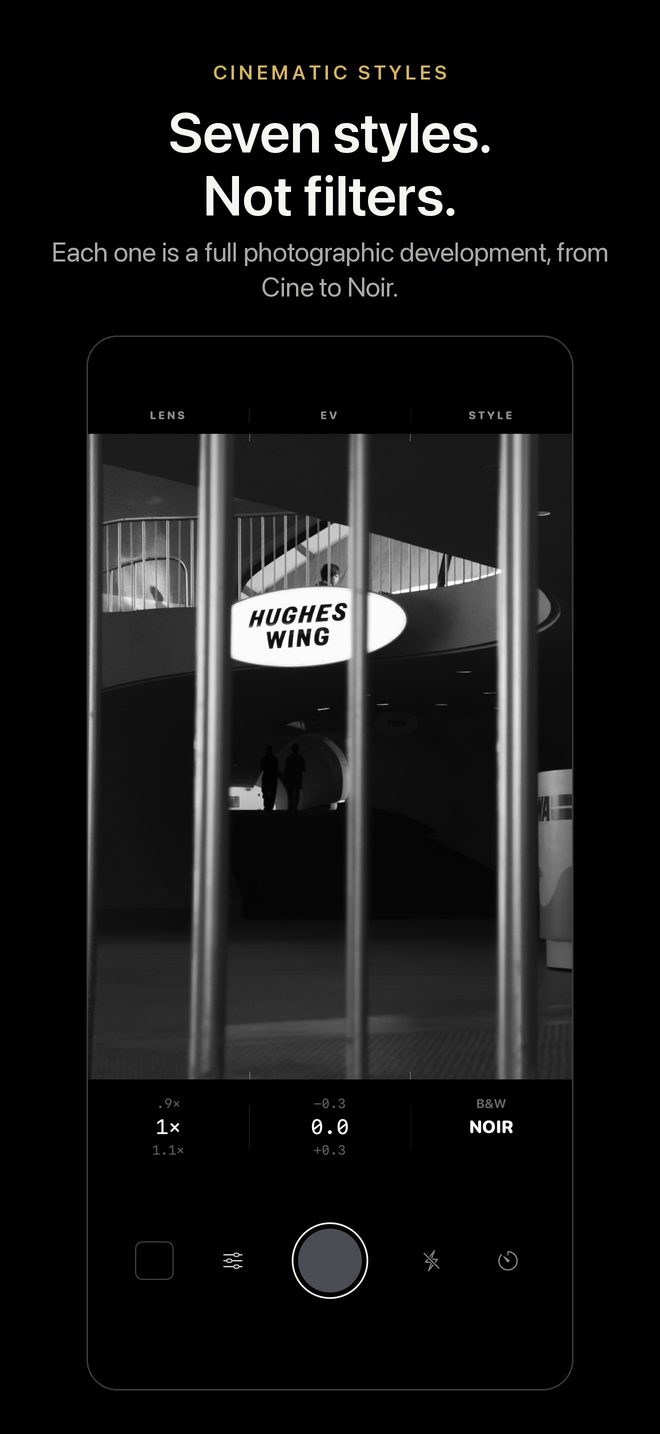
Ten styles, live in the viewfinder
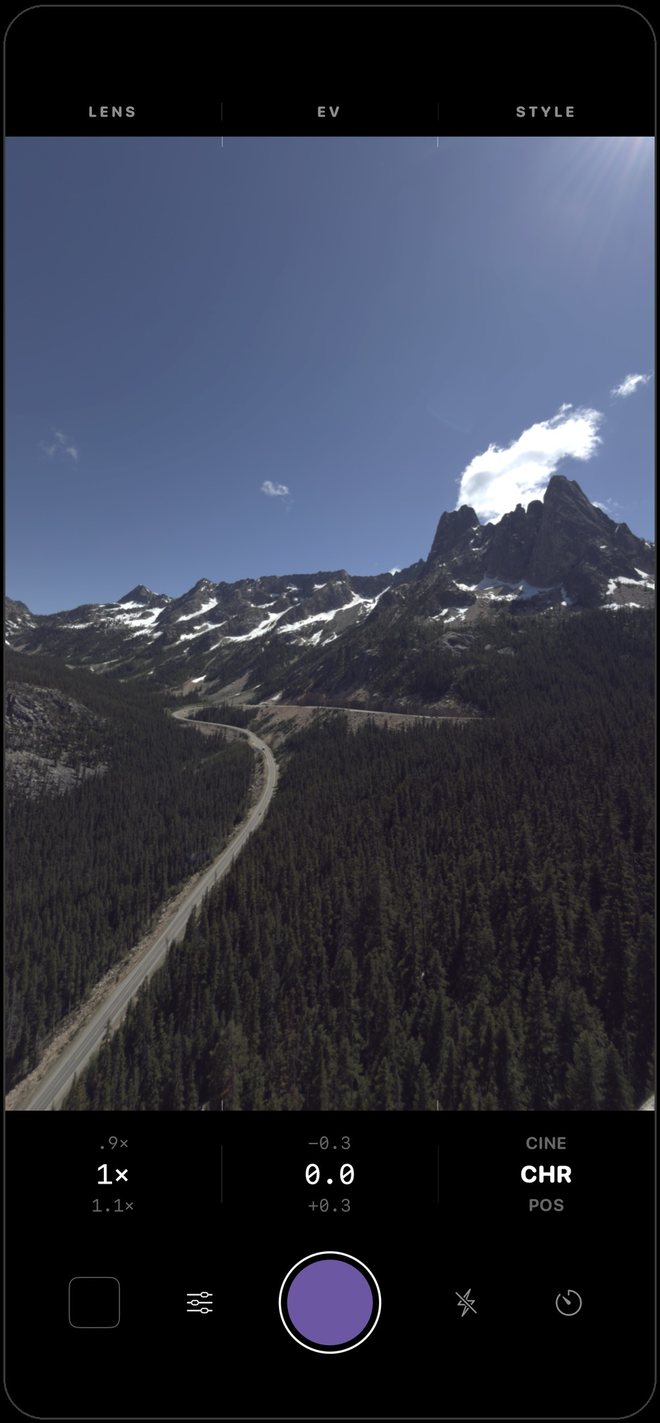
Each style is a complete photographic development, with its own tones, colours and grain. Seven are in the style column from the start; GLD, XPR and XP2 are one switch away in Settings › Styles. What you see while framing is what you get: the viewfinder and the saved photo use the same colour maths.
RAW development
Its own darkroom
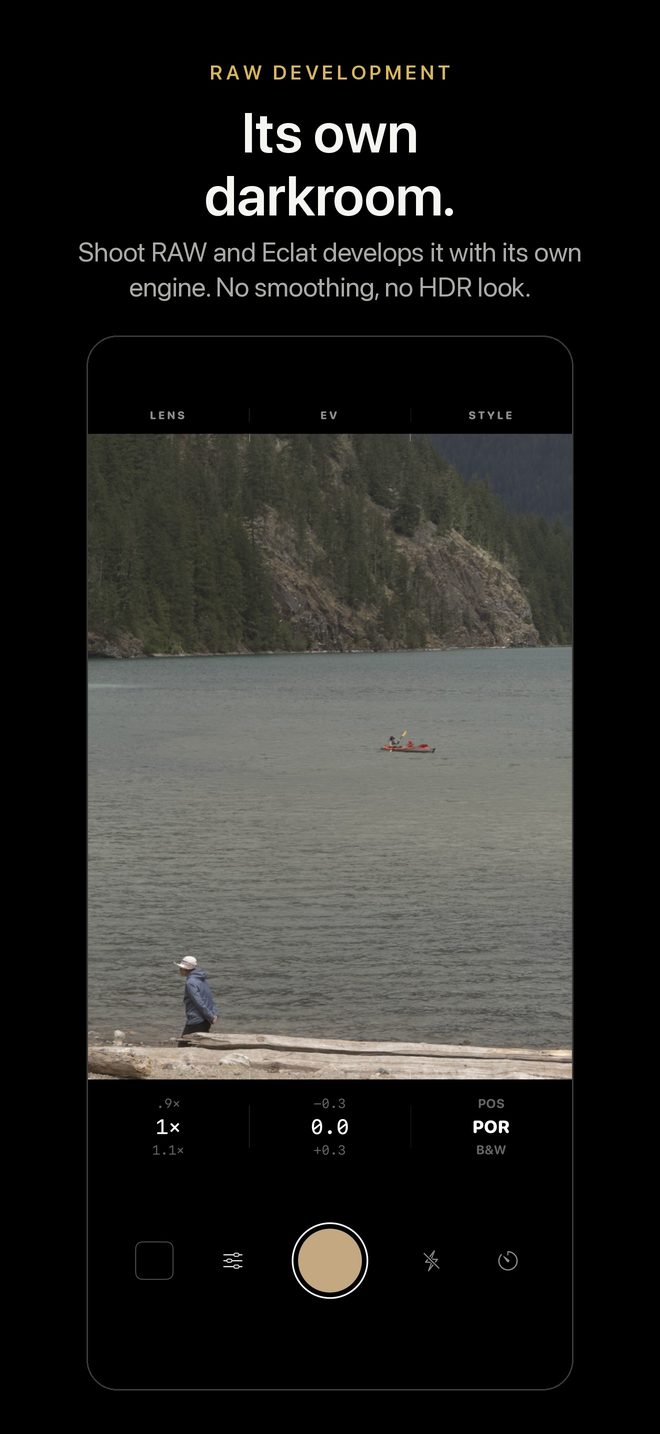
Most camera apps lay a filter over a picture the iPhone has already finished. On a Pro iPhone, Eclat captures RAW, what the sensor recorded, and develops it with its own engine: no smoothing, no oversharpening, no HDR look.
- Three captures
- HEIF, Apple ProRAW and RAW on a Pro iPhone; HEIF and RAW on other iPhones.
- A faithful original
- Eclat develops the picture neutral, with the light and colour of the scene, in wide colour. Your style is developed on top of it.
- Or Apple's processing
- Prefer night mode and every lens? Switch to Apple in one tap, and Eclat styles that image with the same engine. You can also turn Apple's multi-frame processing off for a more natural photo.
Pro controls
Every control under your thumb
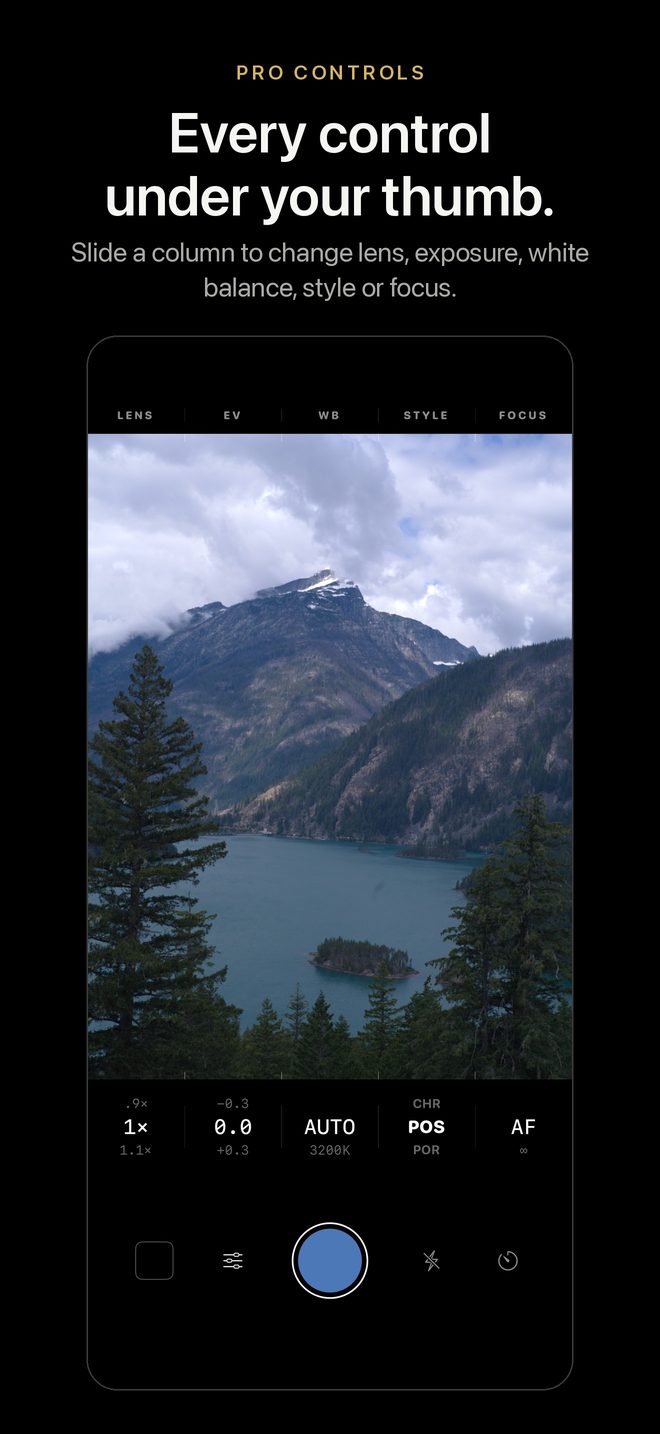
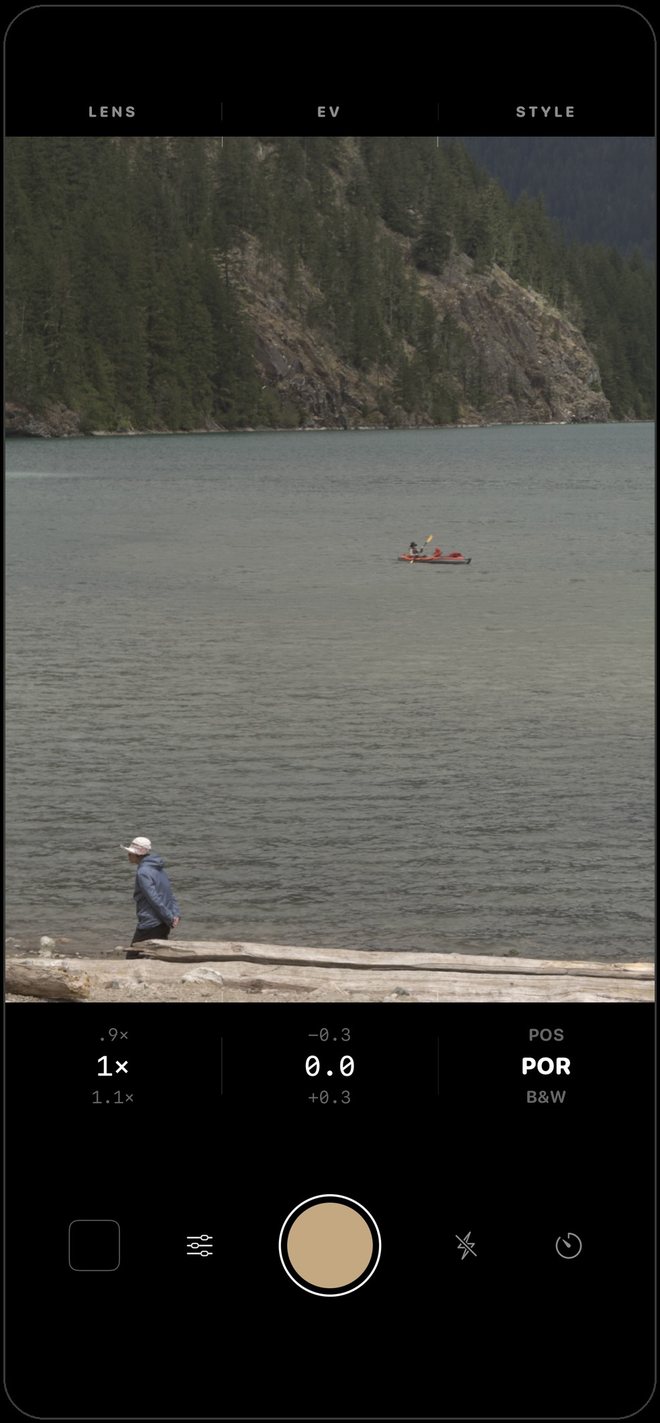
The whole viewfinder is the control panel. Each setting has its own column: slide anywhere in it, up or down, like turning a dial. No menus, and your eyes never leave the picture.
- Lens
- Move between your iPhone's lenses, or pinch for anything in between.
- Exposure
- Brighter or darker, a third of a stop at a time.
- Style
- Change the look and see it at once, before you shoot.
- White balance and focus
- Two more columns you can add in Settings, for warm or cool light and manual focus.
Tap to focus, hold to lock exposure and focus. Hold the phone sideways and the photo is saved sideways, with the controls turned to match.
Non-destructive
Change your mind. Anytime.
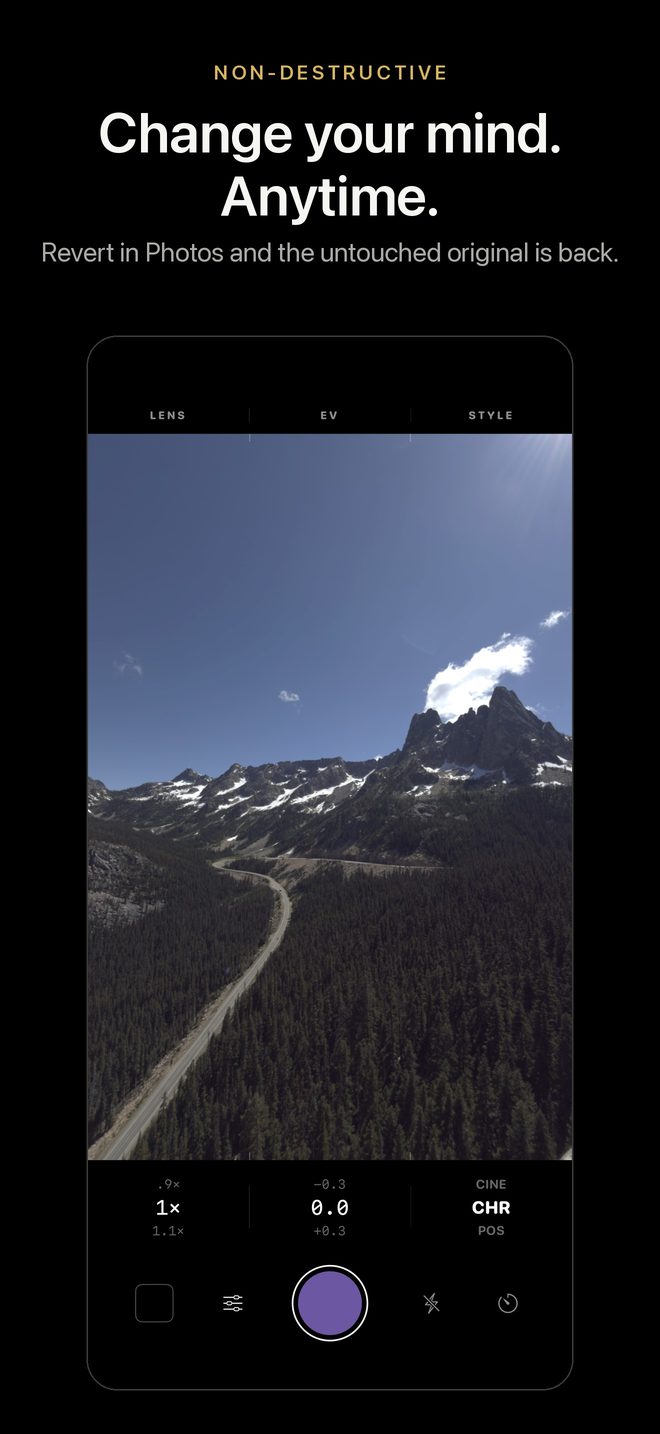
Your photo goes to the Photos library in your style, with the neutral original and the recipe inside. Tap Edit, then Revert, and the original is back, with or without Eclat installed. Open it in Eclat Editor to pick another style or refine this one.
- Ready from anywhere
- Open Eclat from the Lock Screen, Control Center, the Action button or Camera Control, with your settings.
- Framing
- 4:3, 3:2 or 16:9, a grid, a level and a self-timer. The crop can be undone too.
- Live Photos
- In HEIF, Live Photos keep the style in motion.
- Nothing dropped
- If a photo cannot be saved at once, Eclat keeps it and adds it to Photos the next time it opens.
Your own style
Shoot with a style you made
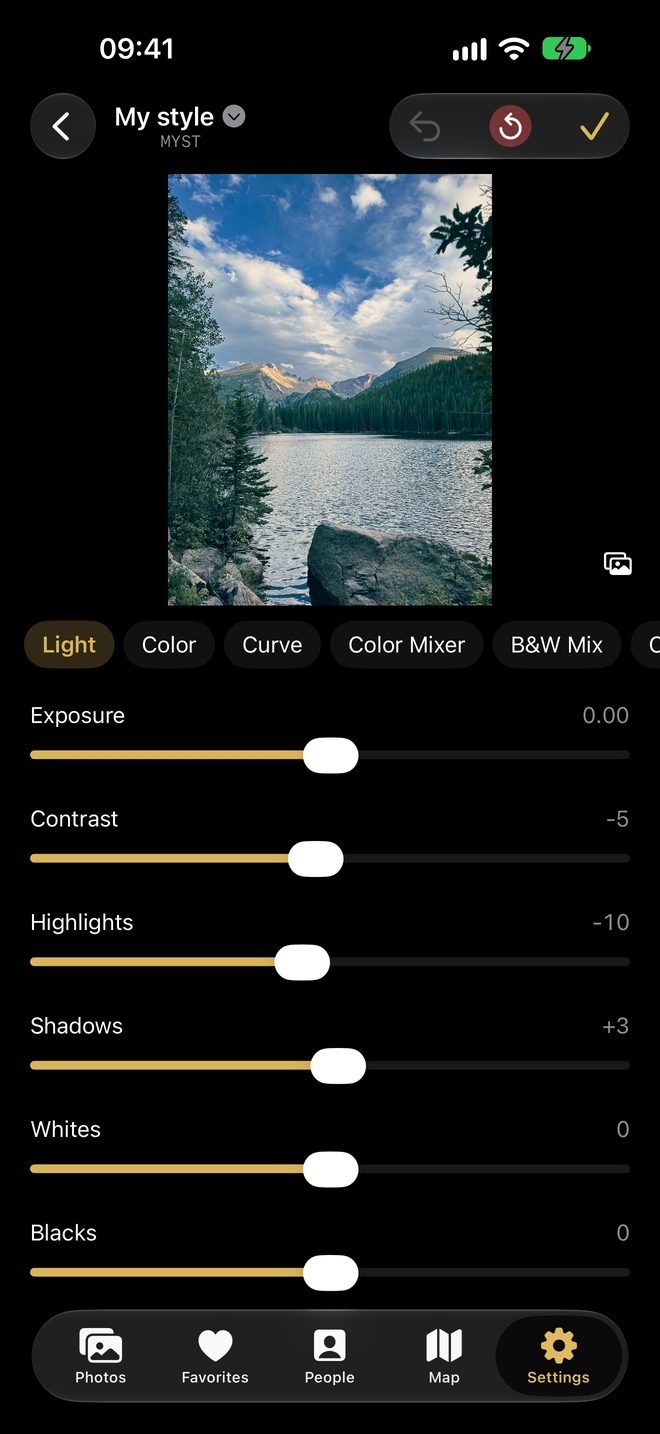
Copy a built-in style and change it, start from nothing, or open a Lightroom .xmp preset from Files, AirDrop or Mail. Light, Color, Curve, Color Mixer, B&W, Color Grading, Effects and Calibration: the panels Lightroom users know. Your style is then live in the viewfinder, like the built-in ones.
With Eclat Editor
Finish the photo later
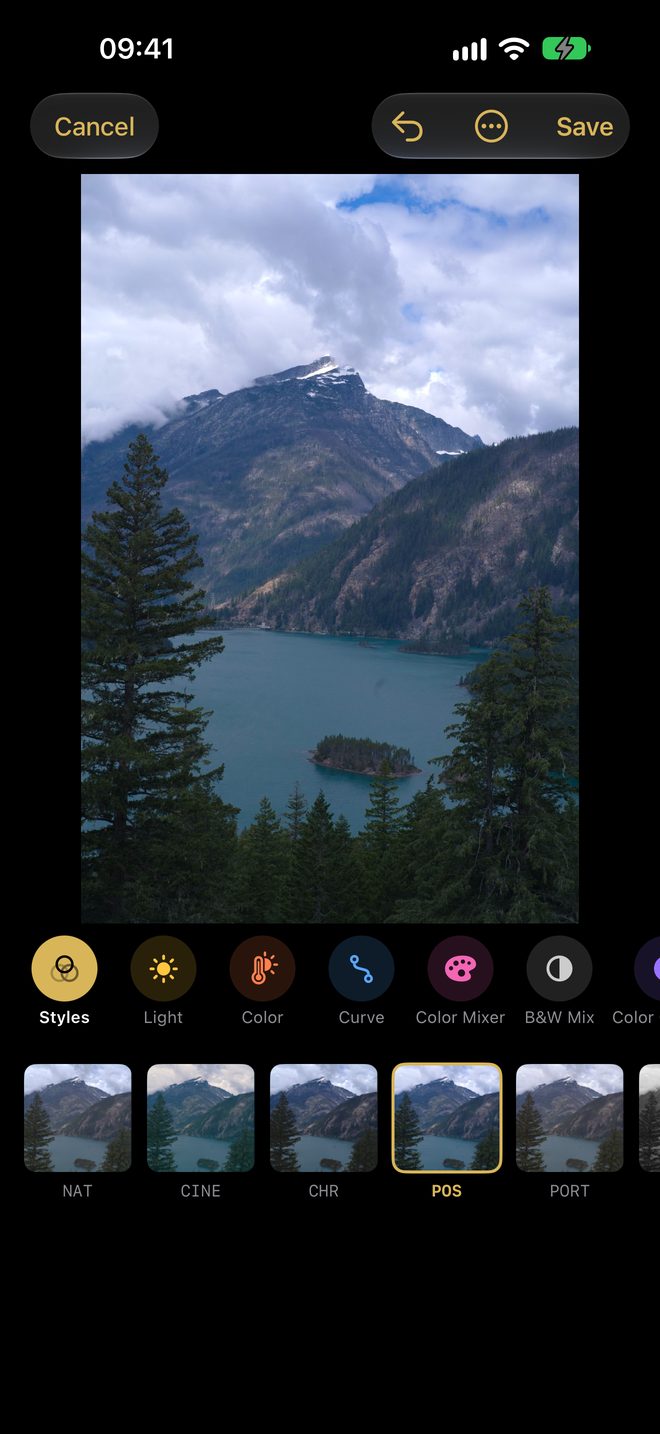
Eclat Editor, our photo editor, opens the photos you take with their style, so you can change it, refine it or crop it later. With Eclat Editor installed, the last-photo button opens your shot there.
See the look before you shoot.
Free with every built-in style. Eclat Plus adds your own styles; everything is open for your first 7 days. About Eclat Plus.